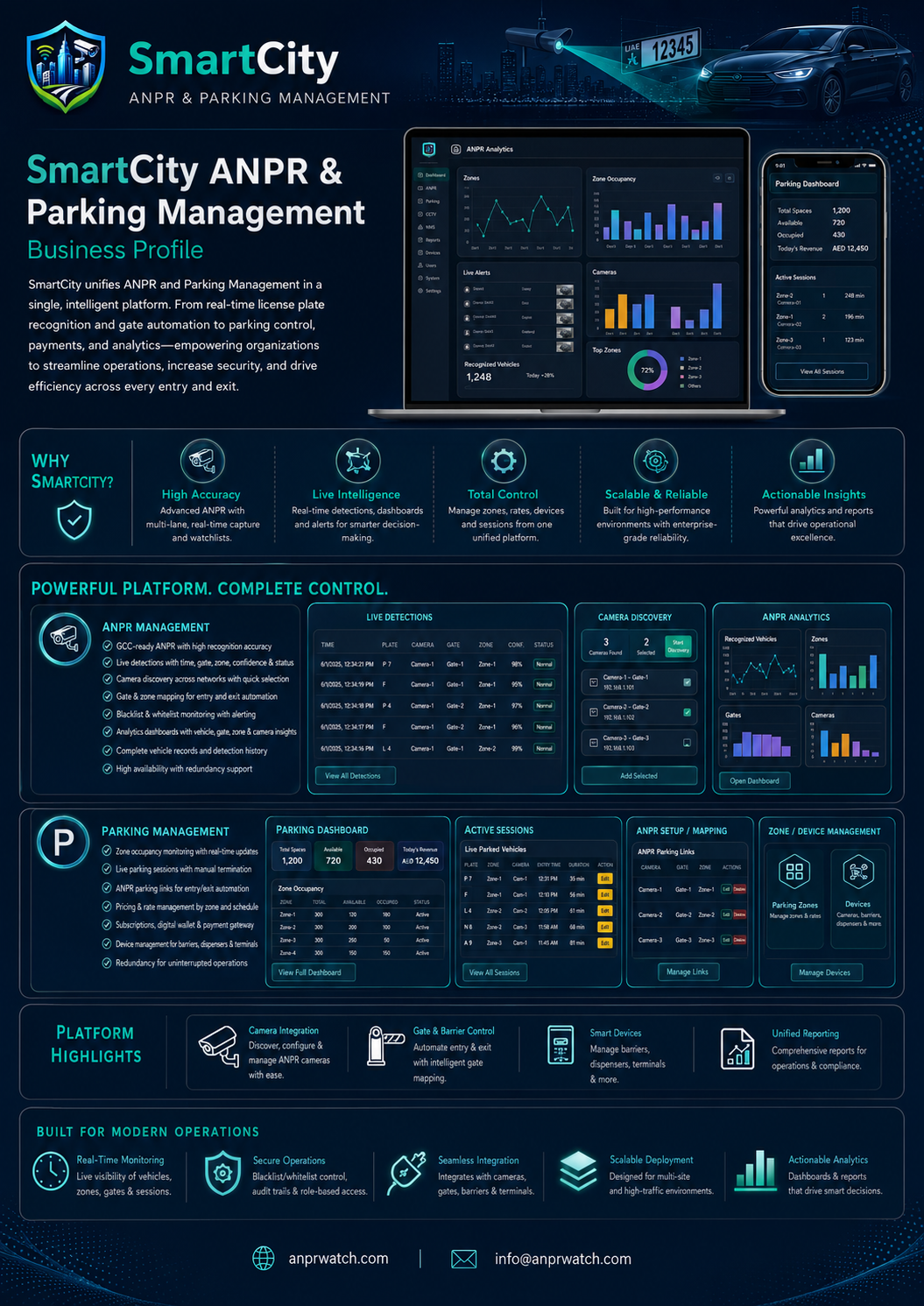
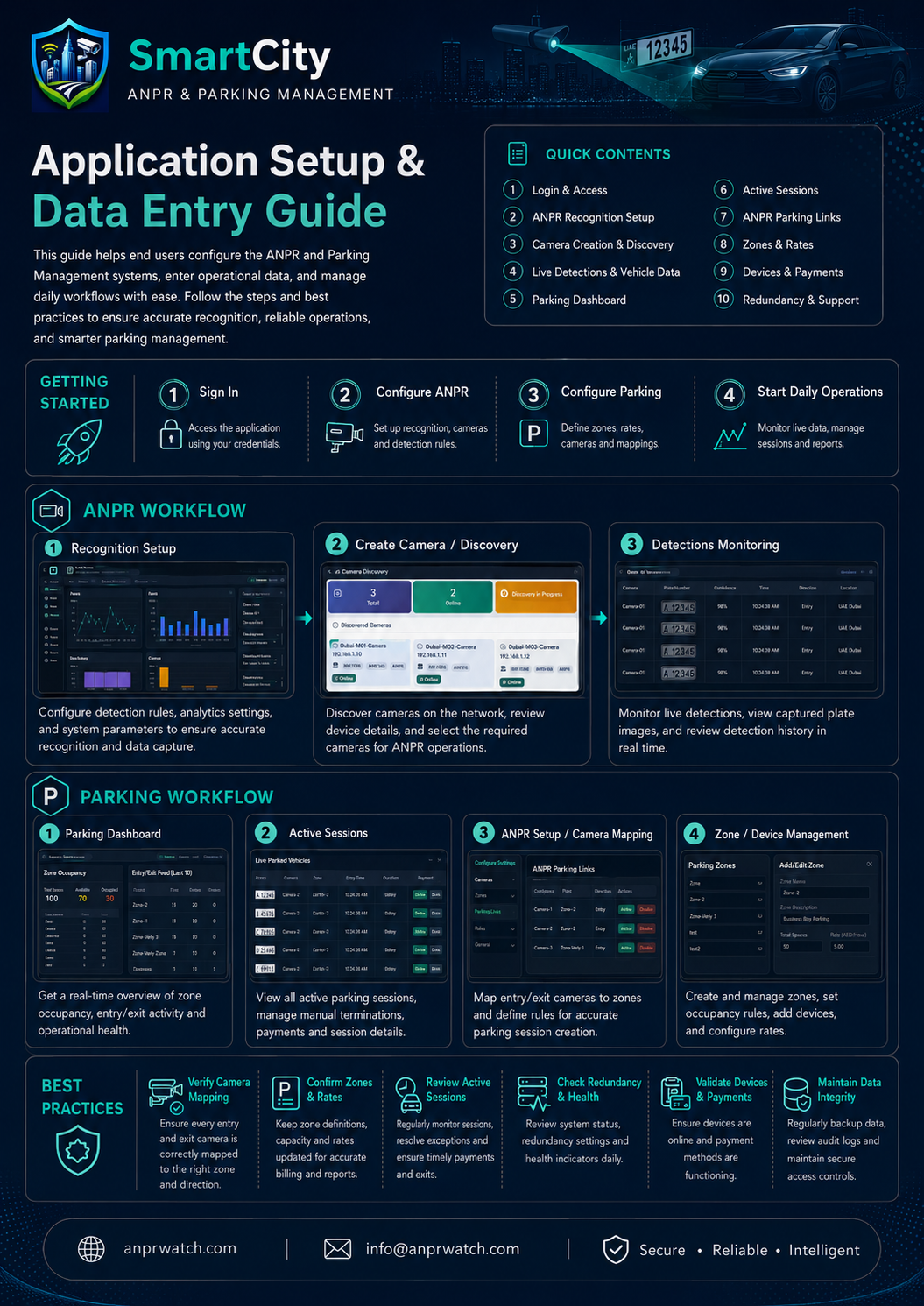
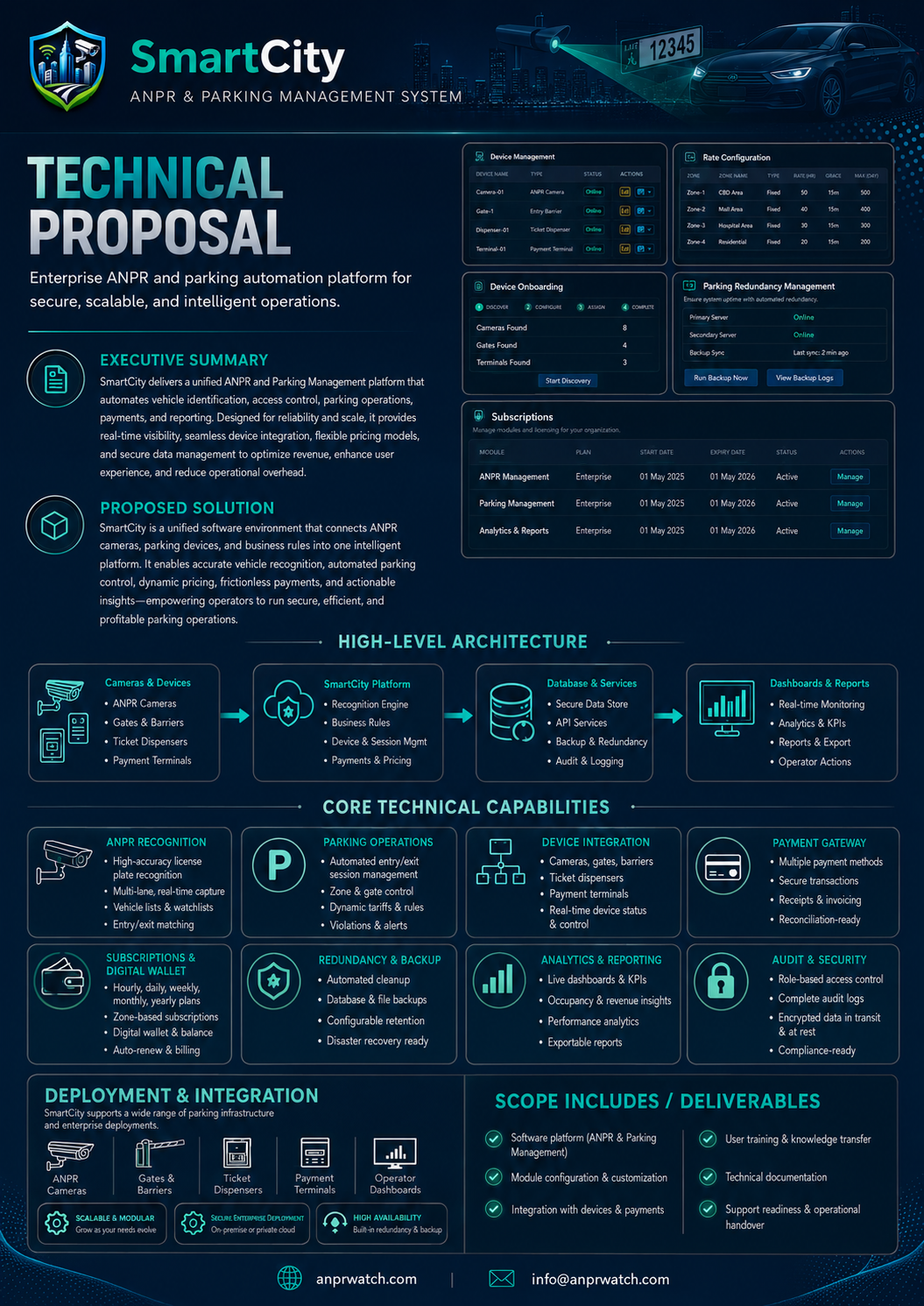
Automatic Number Plate Recognition
ANPR
High-accuracy plate capture, recognition setup, detections, redundancy, vehicle registration, and smart camera integration.
Explore SmartCitySecure, connected and intelligent smart city software
Explore the SmartCity suite for ANPR, parking, access, analytics and guided support in one secure and connected product family.
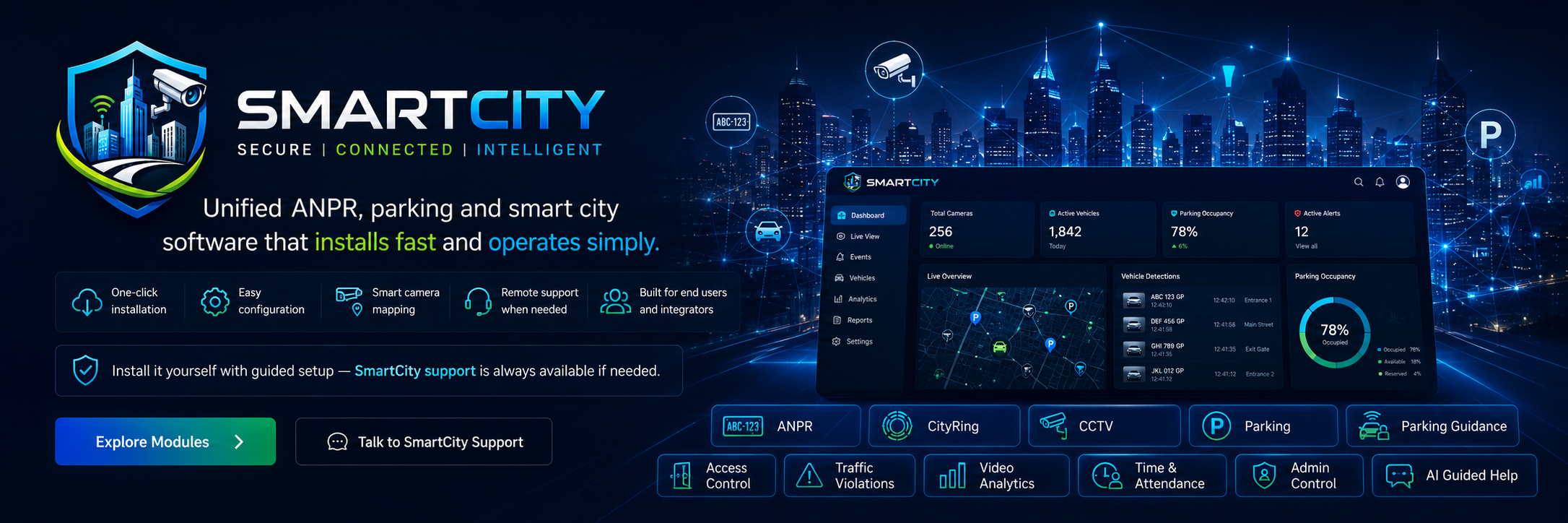
Select a module to see what it does, how it is configured, and how users can operate it with SmartCity support.
High-accuracy plate capture, recognition setup, detections, redundancy, vehicle registration, and smart camera integration.
ExploreSessions, tariff rules, payments, subscriptions, digital wallets, guidance integration, and ANPR-driven access.
ExploreBays, zones, floors, maps, monitoring cameras, digital signboards, and live occupancy dashboards.
ExploreLive camera monitoring, camera registration, storage, schedules, and secure playback workflows.
ExploreSites, doors, readers, credentials, schedules, alarms, and real-time event dashboards.
ExploreRules, zones, engine nodes, forensic search, notifications, and health logging.
ExploreEmployees, devices, shifts, leave, overtime, punches, and reports.
ExploreUser administration, role-based permissions, activation workflows, settings and guided operational control.
ExploreBuilt-in guided assistance for installation, module setup, camera mapping, permissions and troubleshooting.
ExploreIntegration profiles, camera mapping, case workflows, fines, reports, and government integrations.
ExploreCamera registration, DPU bring-online flows, and smart-city edge integration patterns.
ExploreMonitor devices, operations, and alerts from the same SmartCity platform shell.
ExploreThese optimized visuals are fitted inside responsive picture boxes so the graphics keep their corners, proportions and presentation quality.