One-click installation
Install the SmartCity package with guided prerequisites and automatic module setup.
 SmartCitySecure, connected and intelligent smart city software
SmartCity is built for end users and integrators. Guided setup, easy camera mapping and support-assisted onboarding help you go live quickly and confidently.
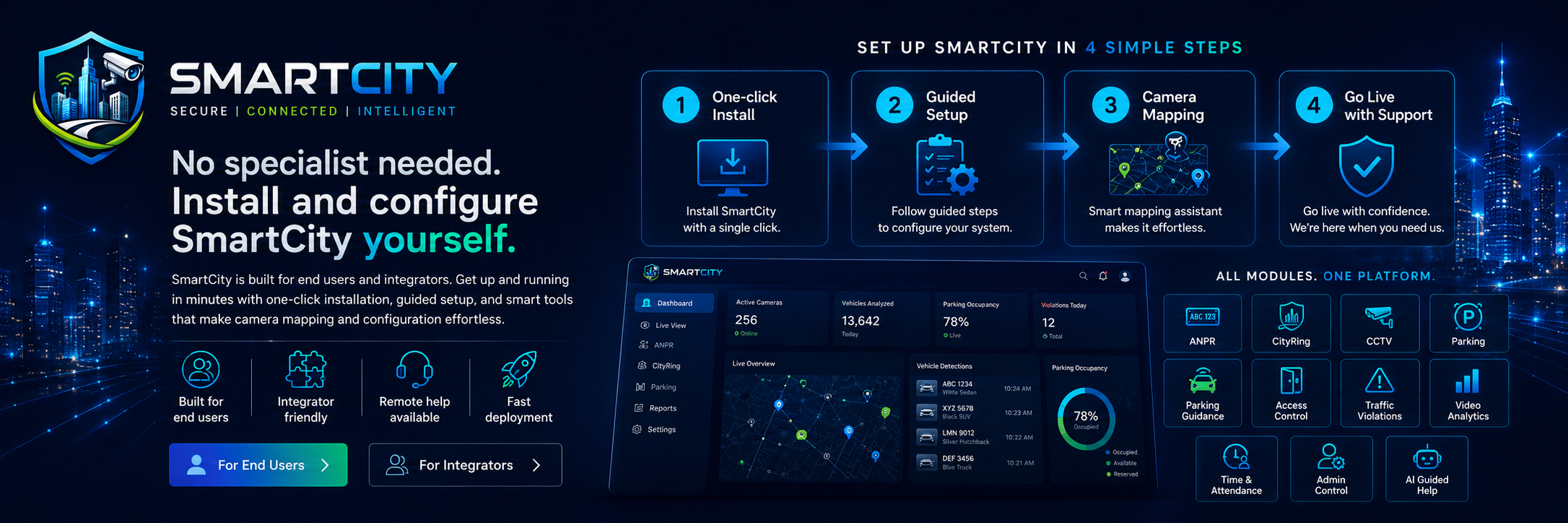
SmartCity is designed to be simple for customers: the system can be installed through a one-click style deployment process, then activated and configured from the dashboard.
Integrators can use camera discovery, guided setup and clear deployment workflows to reduce manual effort while still receiving support from the SmartCity team when project-specific mapping is required.
The visitor message is clear: SmartCity is easy to install, easy to configure and backed by support.
Install the SmartCity package with guided prerequisites and automatic module setup.
License and module activation happen after installation from the dashboard, not during setup.
Use camera discovery, zone mapping and guided forms to connect cameras, parking, access and analytics workflows.
Operate the system yourself and contact SmartCity support whenever a special requirement or mapping task is needed.
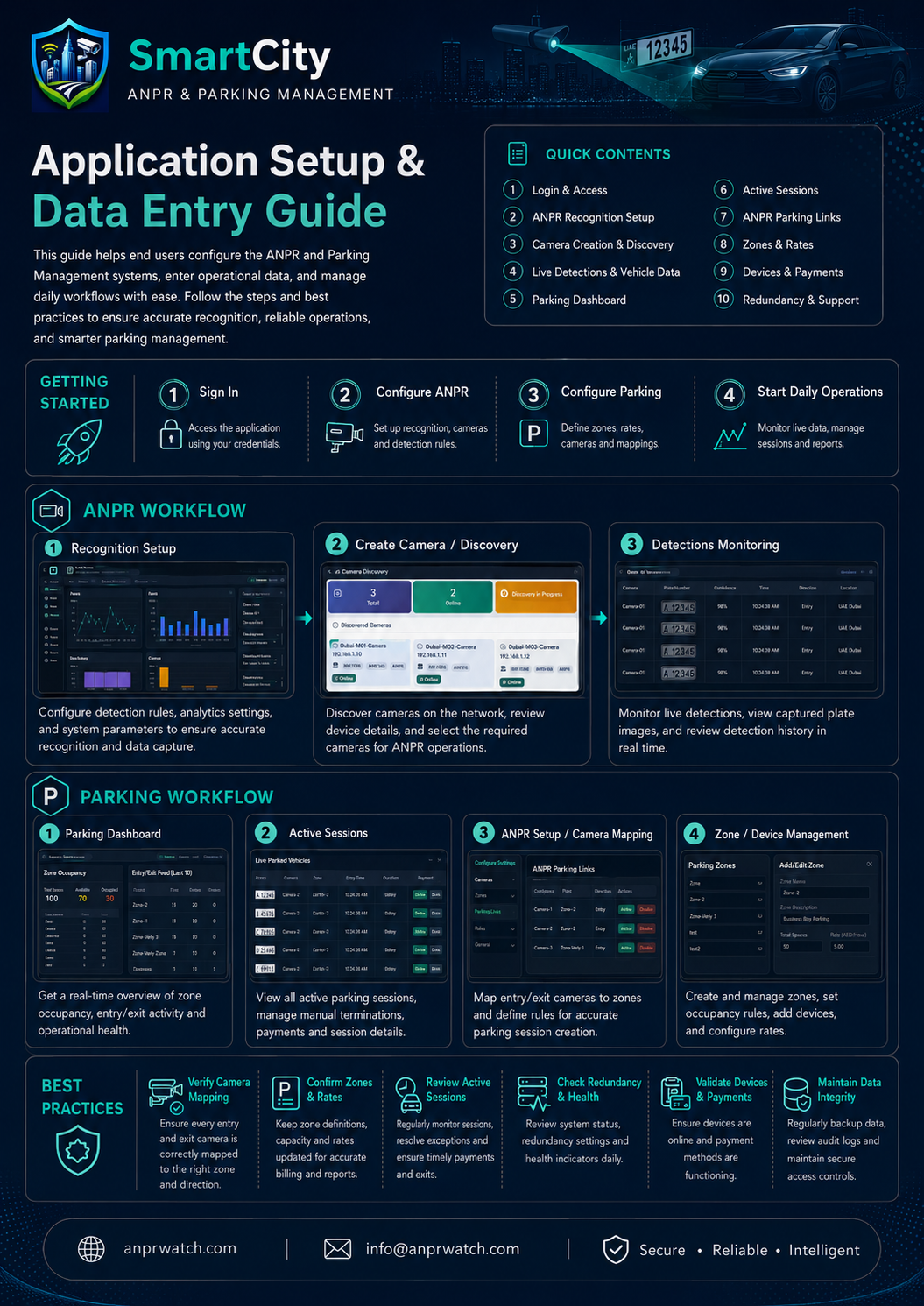
If an end user or integrator needs help with ANPR camera mapping, zone setup, gate and barrier configuration, parking rates, device onboarding or any special requirement, the SmartCity support team can guide the process remotely.